

Direct keyboard mode
Direct keyboard mode allows you to send keyboard input directly to the remote computer, bypassing any local keyboard shortcuts or input methods.
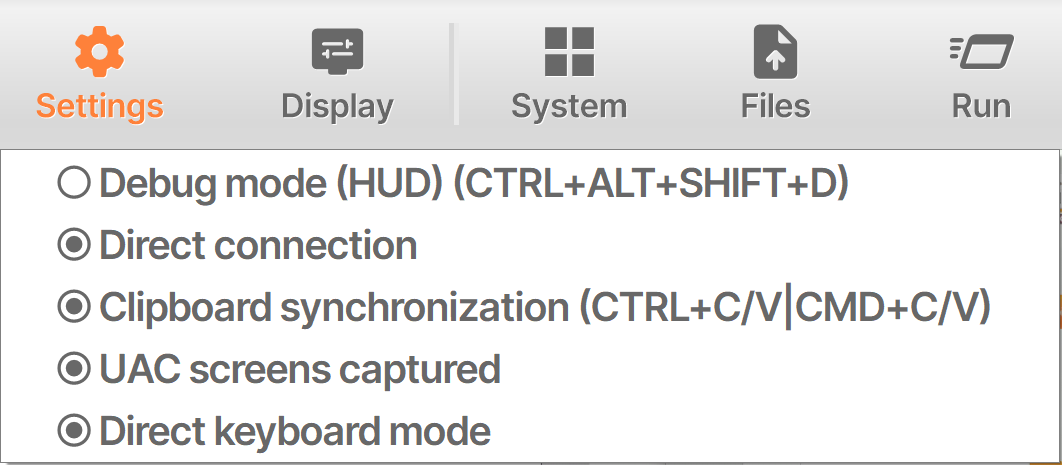
Some remote applications use keyboard shortcuts that may be incompatible with the default key transmission mode in Remote Support. With Direct Keyboard Mode, you can send keyboard input more directly to improve compatibility with these applications.
Settings
By default, direct keyboard mode is disabled. You can enable it in the settings of the remote control session interface. The setting is persistent and will remain enabled for future remote control sessions until you choose to disable it.
For more information on how to interact with a remote session, please read Interact with the Remote Session .